
Capture App
Ready to photograph
DEMO BRANDSS26 Drop 2
- Frame
- FAIM-ZUIL-004
- Location
- Amsterdam · showroom
- Items
- 8
Project, location and shot list are prepared in advance.

THE FRAIM
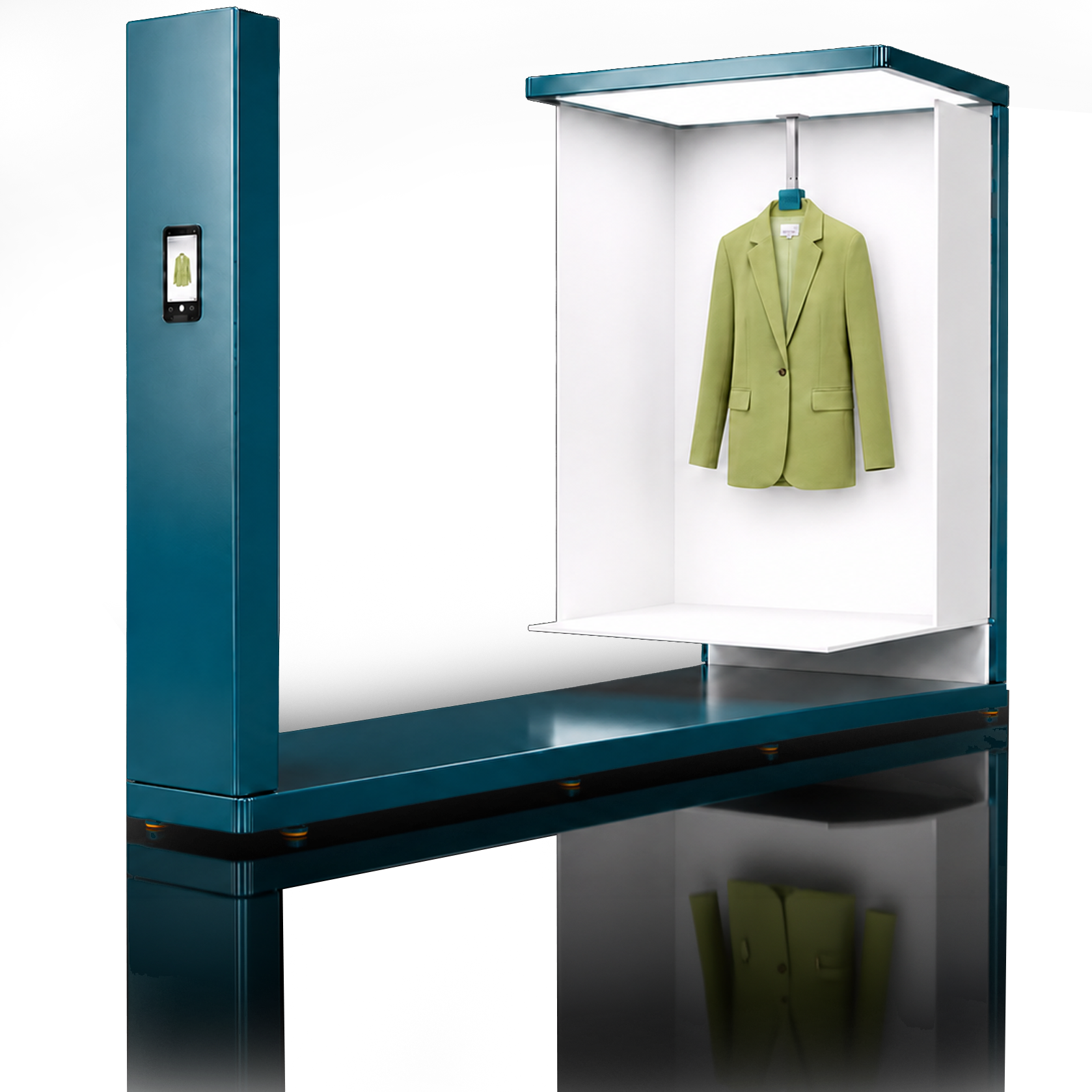
THE FRAIM is designed as a controlled capture source. The Capture App guides the capture; FAIM Portal keeps the source and processing connected.
01 / The action
The prototype is designed around one short action: hang the item on THE FRAIM, open the correct record in the App and capture the source under control.
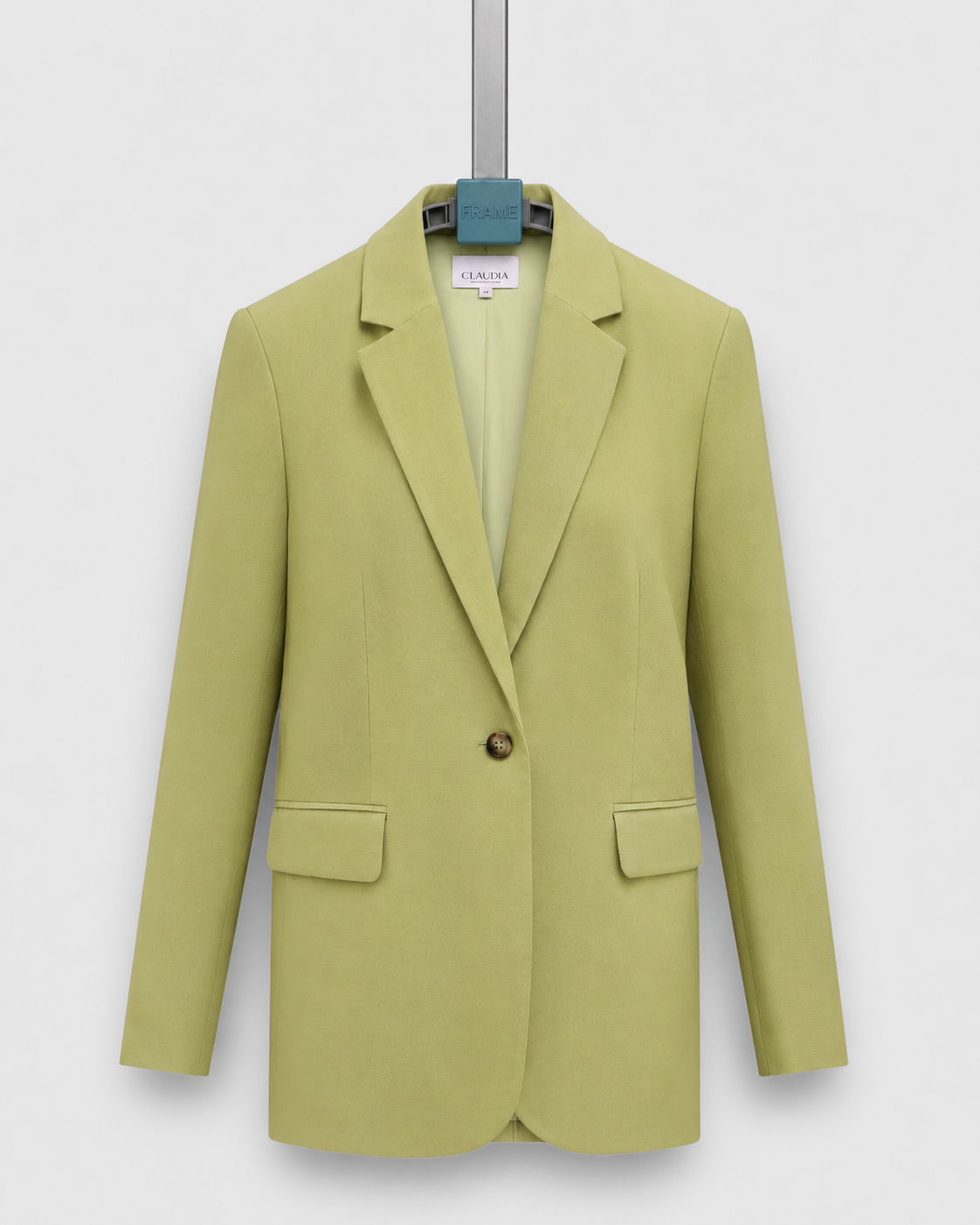
The design positions every garment on one fixed source.
The App is designed to connect the intended capture to the correct item record.
Auto Capture is part of the interactive app and hardware prototype.
02 / CONNECTED WORKFLOW
The intended THE FRAIM flow connects physical capture directly to the FAIM Portal. Choose ‘Before’ to compare the eight separate handoffs.
Hang the item, capture the source image and link it directly to the correct item record.
From item → controlled source captureThe agreed recipe processes, checks and delivers the imagery.
From source capture → channel-ready imageProject, location and shot list are prepared in advance.
03 /Capture App
Open the planned production. Project, location, Frame and item count are linked to the session in advance.
04 / FAIM FLOW
The prototype shows how the source capture can remain connected through the live FAIM Portal to processing, control and the same item record.
01 / THE FRAIMProduct in THE FRAIM.
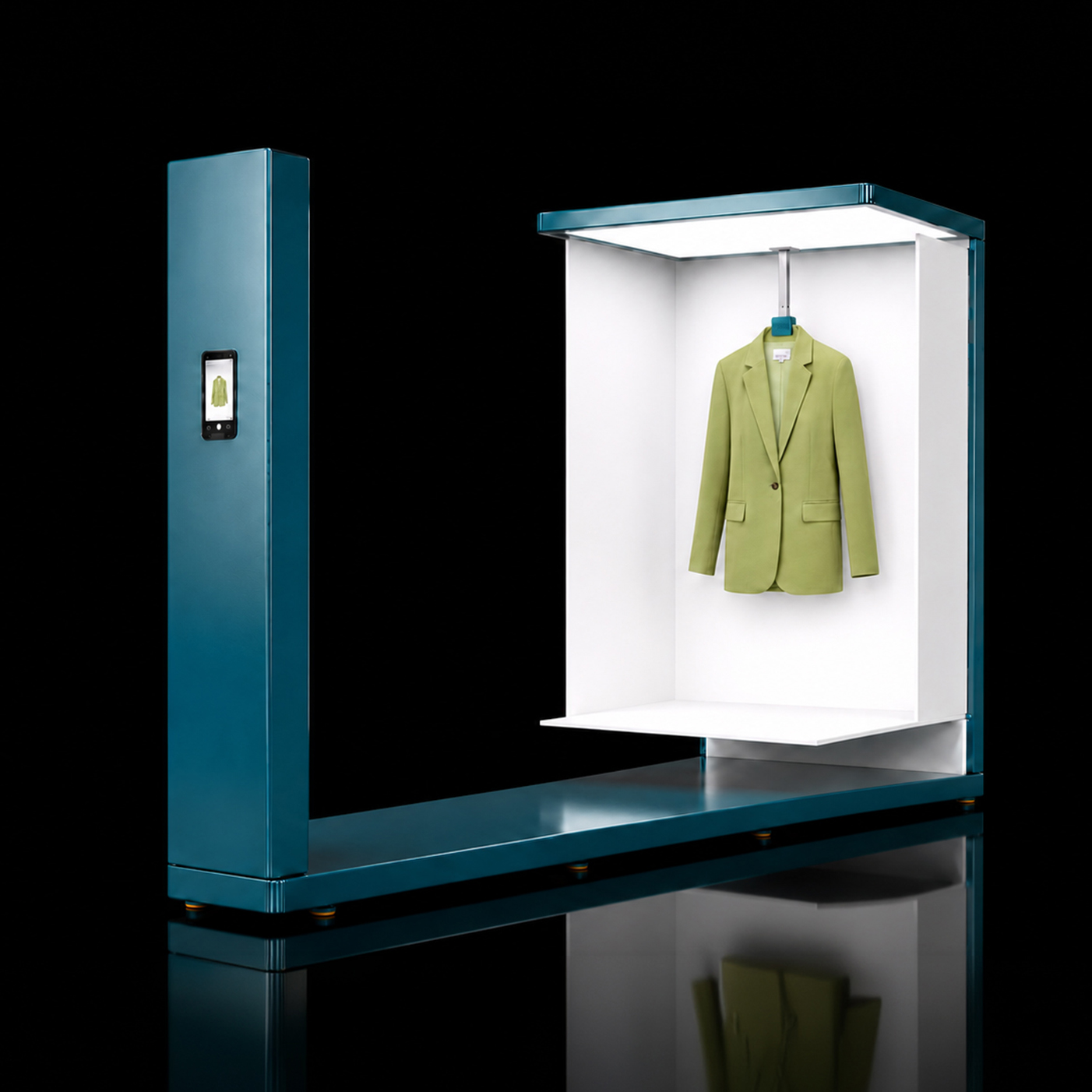
Intended: capture the item once, under control, at source.
02 / Capture AppCapture in the App.
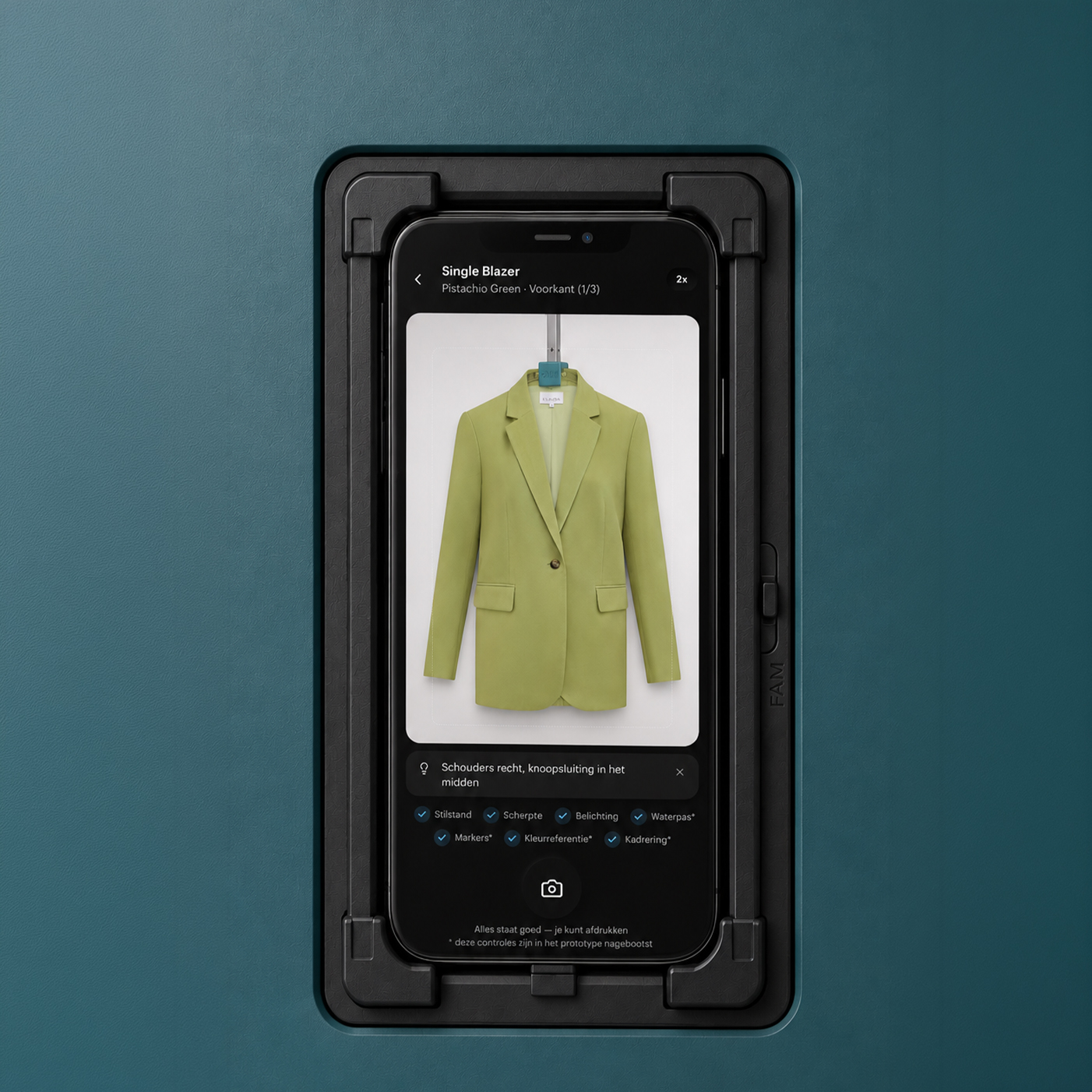
Intended: connect source capture and item record directly.
05 / FAIM Portal outputDownload from FAIM Portal.
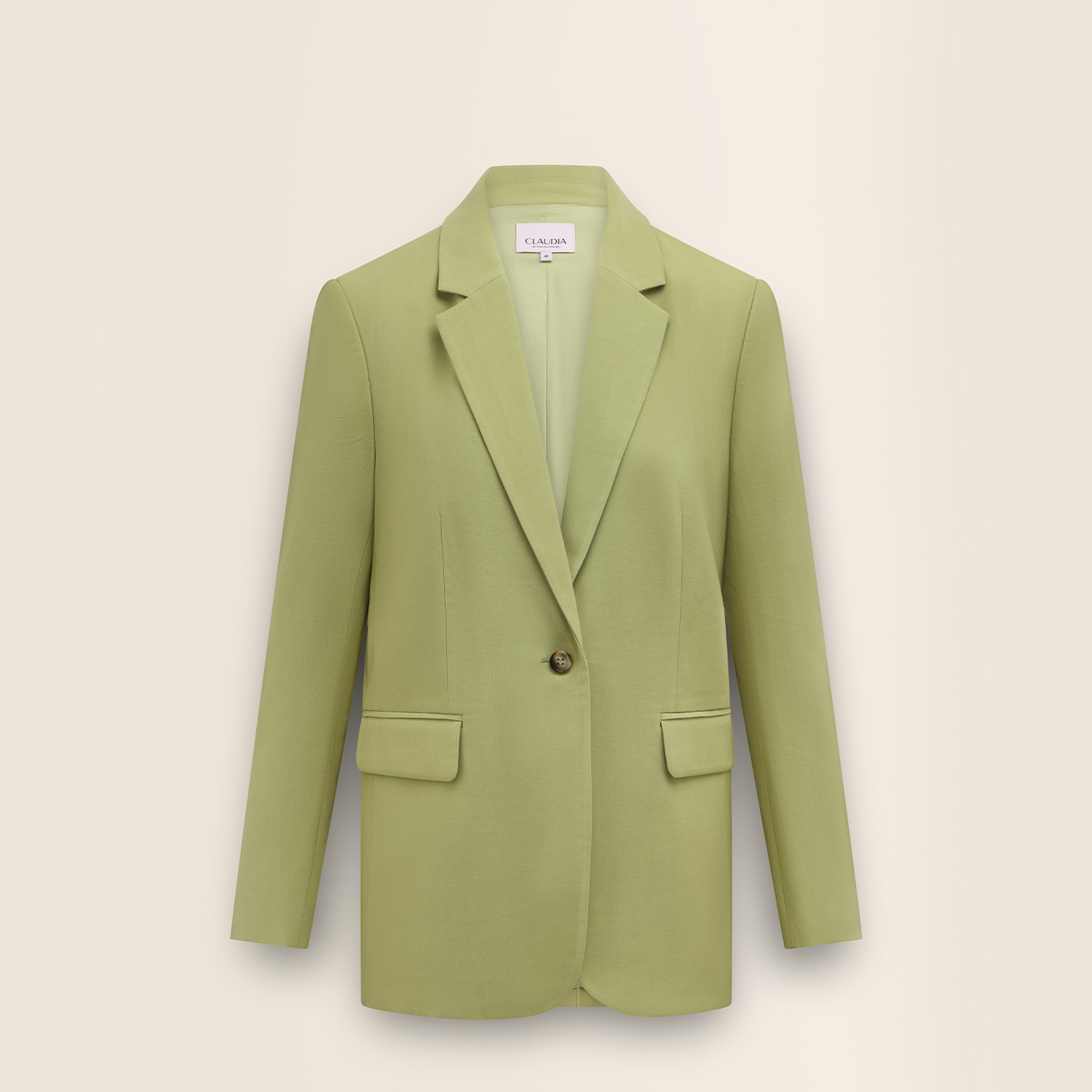
The output sits recessed within the same controlled image standard.
Capture. Source capture from THE FRAIM.
05 / SCOPE
In the intended model, the client performs one short capture action; FAIM connects the designed route from that point onward, from A to Z.